Product designer
Atelier North Mar 2023 to present
I work on account creation and onboarding. Recent projects include simplifying sign-up forms, prototyping new flows and documenting the decisions behind them.
- UI/UX design
- Typography
Your experience deserves more room than a job title.
See how it worksExplain what you worked on, the skills you used and what you learned. Add your education, and attach a case study to the relevant role or course when there is more to explain.
Explore an example profileAtelier North Mar 2023 to present
I work on account creation and onboarding. Recent projects include simplifying sign-up forms, prototyping new flows and documenting the decisions behind them.
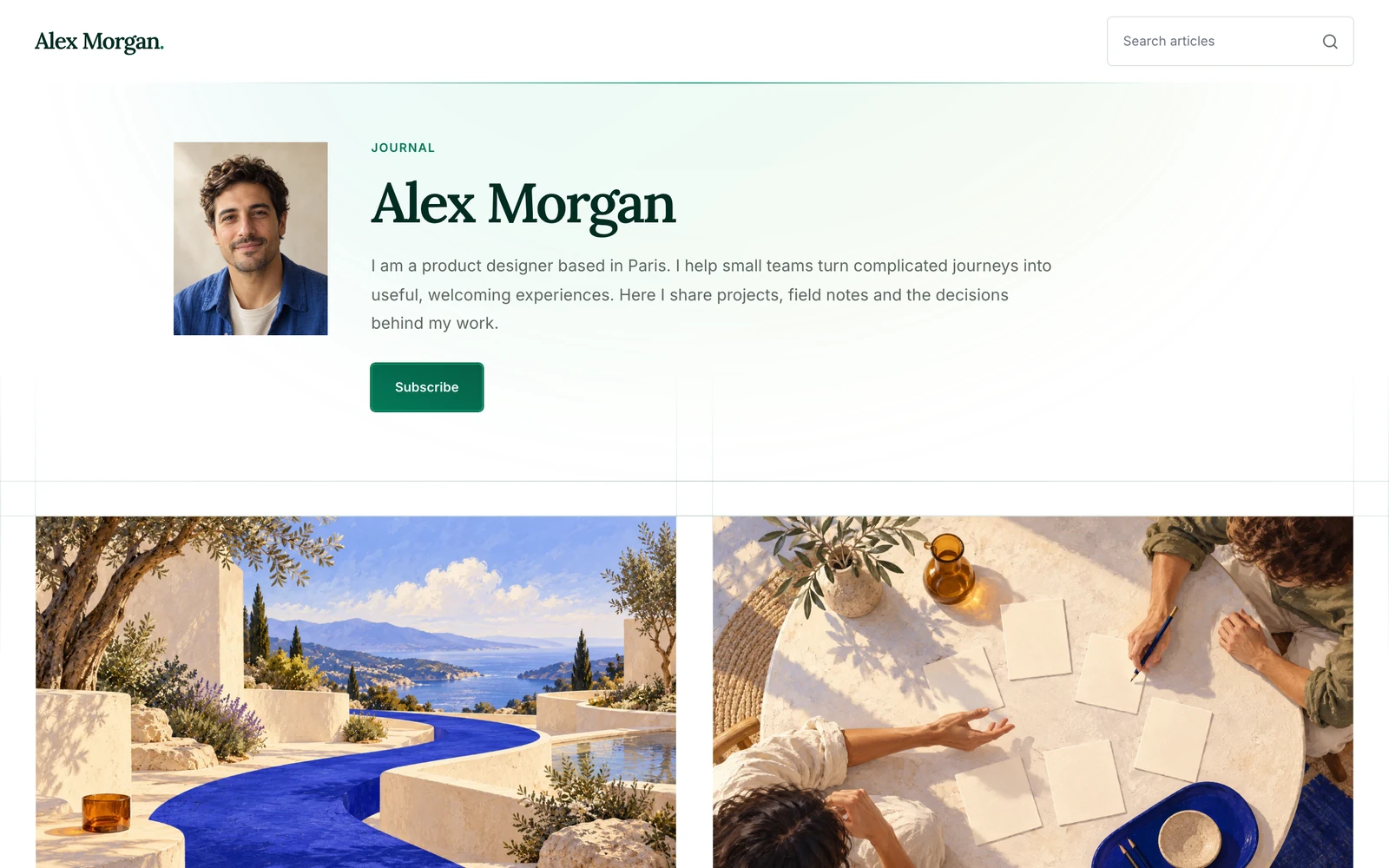
Portals turn your profile and published articles into a personal site. Choose a portfolio or blog design, with a personal Shapppes address and the content you've already added.
Explore Portals
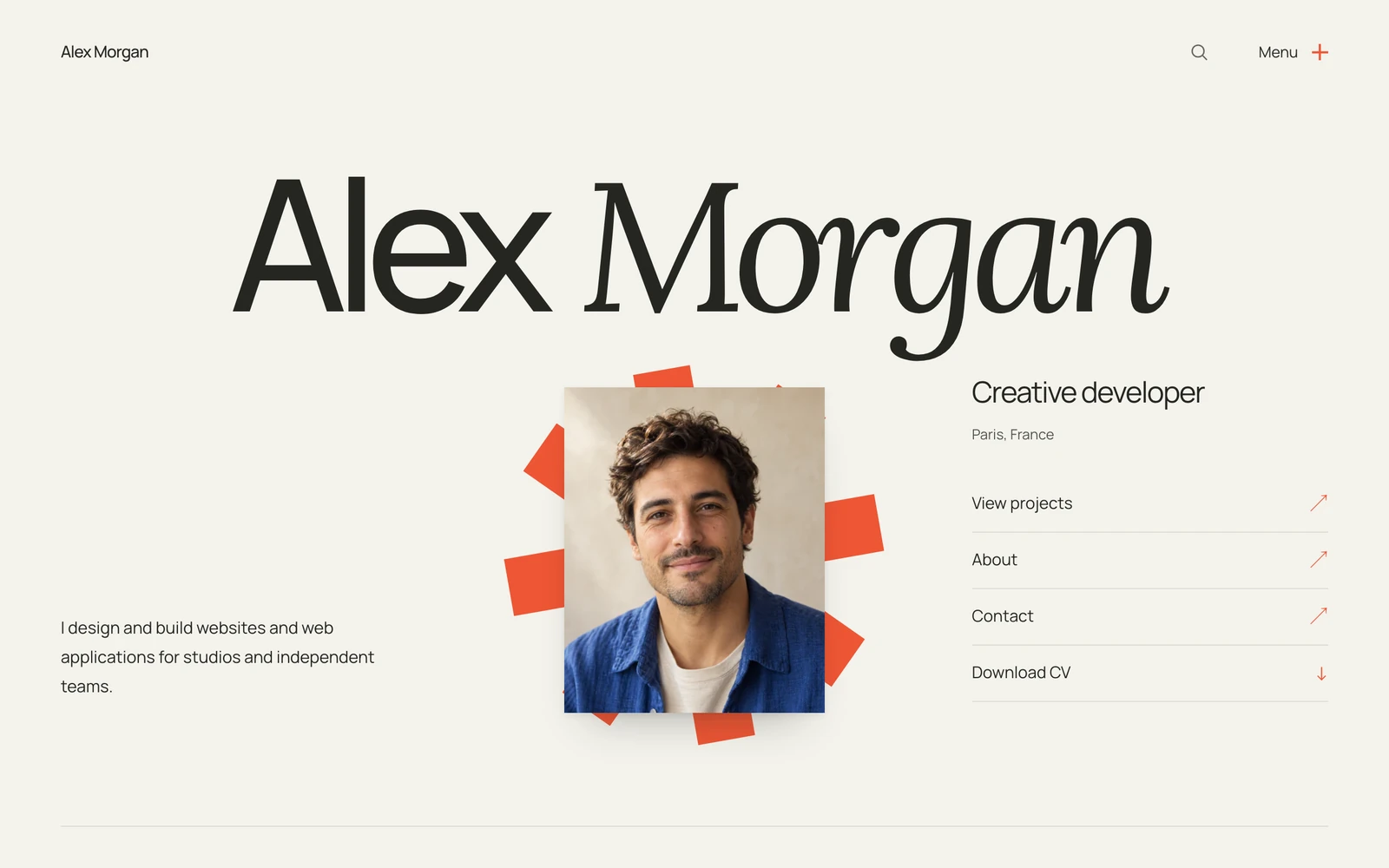
The full Plus Portal collection, all its design settings and every new Plus Portal.
Explore Plus
You don't need a finished idea to begin. A question from work, a lesson from a project, something you wish someone had explained sooner. Start there. Give it a title later.
You can change your mind halfway through a sentence. Select a few words to add emphasis, or give the next part a heading when the text needs one. The editor keeps the page clear, so you can follow the thought.
Some pieces need another afternoon. Keep yours as a draft, come back when you have something to add, and publish when it says what you meant. It belongs alongside the experience and work on your Shapppes profile.
After publication, AI adds topics, detects the language and prepares a short summary. Your article stays in your own words. These ones are yours to change, too. Try rewriting a sentence here.
Your experience sits on LinkedIn. Your articles live on Medium or dev.to. Your projects end up in a portfolio somewhere else. Shapppes brings them into one profile, with a site of its own.
| What you get | Medium | dev.to |  | |
|---|---|---|---|---|
| A structured professional profile | Partial. Bio and About page | Partial. Bio, skills and links | Included. Experience, education and skills | Included. Show the skills behind each role.Add your experience and education, with the skills you used in each. |
| Articles on your profile | Included. Articles and publications | Included. Articles for developers | Included. Posts and articles | Included. One article on your profile and your site.Write it once. The same article also appears in the Shapppes feed. |
| Projects linked to your experience | Not built in. Projects described in articles | Not built in. Projects described in articles | Included. Links and media attached to roles | Included. Explain what you contributed.Attach a case study to the relevant role or education entry. Describe the problem, your decisions and your part in the work. |
| A portfolio built from your profile | Not built in. No built-in portfolio | Not built in. No built-in portfolio | Not built in. No built-in portfolio site | Included. A portfolio without entering everything again.Pick a design. Your experience and published articles already make up your site. |
| A PDF CV generated from your profile | Not built in. No generated CV | Not built in. No generated CV | Partial. Account-dependent, in English on desktop | Included. A CV ready to send.Generate a PDF from your profile, with a layout that matches your site. |
| Update your profile and site together | Partial. Articles shared across profile and publications | Not built in. Maintain an external site | Not built in. Maintain an external site | Included. Change it once. Your site follows.Your site uses the same updated content, without copying it between tools. |
| Altogether | Three profiles to keep up to date | One profile.One place to update your profile and site. | ||
Shapppes starts with what every professional needs: a profile, writing and a site. What comes next depends on what the community asks for.
These features aren't available yet. We'll prioritise them based on what members ask for.
The core profile and publishing features are free. Shapppes Plus adds three more Portal designs.
Your description, experience, education and skills. You can share your profile and let visitors download your PDF CV without publishing an article or choosing a Portal.
No. Articles and case studies are there when you want to explain a project or share something from your field. Your professional profile is useful on its own.
Your personal site, using a selected portfolio or blog design for your profile and published articles. It has a Shapppes subdomain, such as alex-morgan.shapppes.com. Your profile is already shareable before you choose a Portal.
Your profile, CV, articles and a personal site are free. Sign-up is by invitation for now. Plus adds exclusive Portal designs, all their settings and every new Plus Portal. See the pricing page for monthly and yearly options.
Your profile and published articles are public. Drafts stay unpublished until you choose to publish them. Changes to an already published article are saved in its draft; the public article changes when you choose Update article.
Yes. Share your Shapppes profile alongside your existing profiles. Use it to give your experience more context through case studies, collect your writing and present your work on a Portal. You don't need to build an audience for your profile to be useful.