Forma
A workspace for organising notes, images and links on a canvas.
- Role
- Independent creative developer
- Organisation
- Independent
- Year
- 2023
- Skills
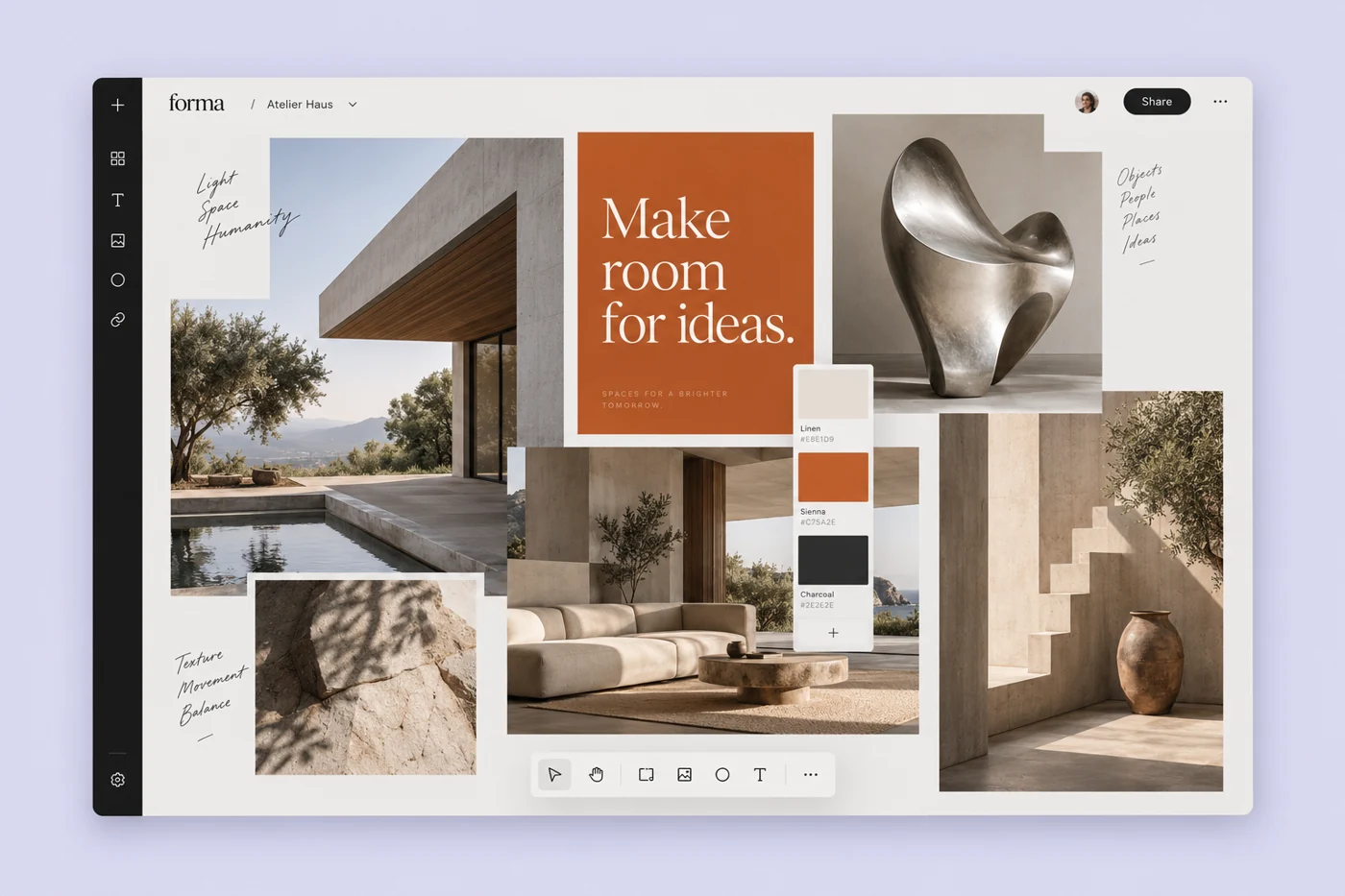
I built Forma to keep project references in one place. My notes were split between browser tabs and screenshot folders. I wanted to organise them on a canvas without having to choose a folder for each one.
Notes, images and collections
The workspace is built from a few simple blocks: notes, images and links. Blocks can sit freely on a canvas or snap into a collection. The same underlying content supports both views, so switching from exploration to a more deliberate outline does not mean moving everything into a different tool.
I built the interface with Vue and TypeScript, with Laravel handling the content model and persistence. Each block has a stable identity. Its position belongs to the canvas rather than the content itself, which lets the same reference appear in more than one context without creating another copy.
Make direct manipulation dependable
Dragging is useful, but it cannot be the only way to use a workspace. Every block also exposes move and grouping actions through a keyboard-accessible menu. Focus returns to the block after an action, and the interface announces where it moved.
The optimistic interface saves changes in small batches. A pending save is visible without interrupting the work, and a failed request leaves the local change available to retry. I kept the first version deliberately narrow so those ordinary recovery paths could receive the same attention as the canvas.
What I learned
The most useful interaction was also the simplest: turning a loose group of references into a named collection. It gives an exploratory session a stopping point. My next iteration would focus on how a person returns to that collection a week later, when the context is no longer fresh.